
3D Photography for AECO, VFX, heritage, marketing and more
Photo-realistic quality in 3D. Move where you want, focus on what matters.
Gaussian Splatting
-

Photorealistic 3D
A Gaussian Splat model handles light and fine detail, so facades, glass walls, reflections, textures, and fine elements are all rendered true to life.
-

Freedom to explore
Walk around at eye level (first-person) or orbit like a drone. You can explore, add annotations and run live-guided reviews with your team.
-

Works with your setup
Host on the web, keep it on your intranet, or run the model offline for secure environments, trade shows and presentations.
Cultural Heritage & HEAG099
For understanding built heritage rather than measuring it, a Gaussian Splat works as a 3D photographic record.
It supplements 2D photography, drawings, written documentation and interpretative non-metric recording, the approach set out in Historic England's HEAG099.
Due to Gaussian Splatting’s ability to render visually realistic environments, such as lighting, vegetation, etc., these 3D scenes can be more engaging to both technical and non-technical audiences. For metric or survey use, see our photogrammetry page
Design & real estate showcase
Showcase modern design, large or high-end properties as a 3D model people can move through.
Because it is photo-realistic, it can supplement or replace still images and drone video, giving buyers, investors and tenants the full feel of a space rather than a set of fixed views.
Virtual Production, VFX & pre-visualisation
Photoreal capture of unique and real-life locations for film, TV and VR.
Scout and view angles and shots in a true-to-life 3D virtual environment by simulating cameras and lenses inside the model.
Bring captured locations into film sets as LED volumes (virtual backgrounds), or use as the foundation for VFX work.
Wide-Area Capture
Immersive capture of landscape, whole sites, streets or towns in a single model whilst keeping fine, ground-level detail.
Present or document large areas for wayfinding, development, planning or context, and combine with CGI to showcase designs or plan projects.
Due to advances in delivery, streaming and adoption of this technology by institutions such as Esri and Bentley Cesium, very large Gaussian Splat models can be viewed over the internet just like a standard satellite map.
How we capture
-
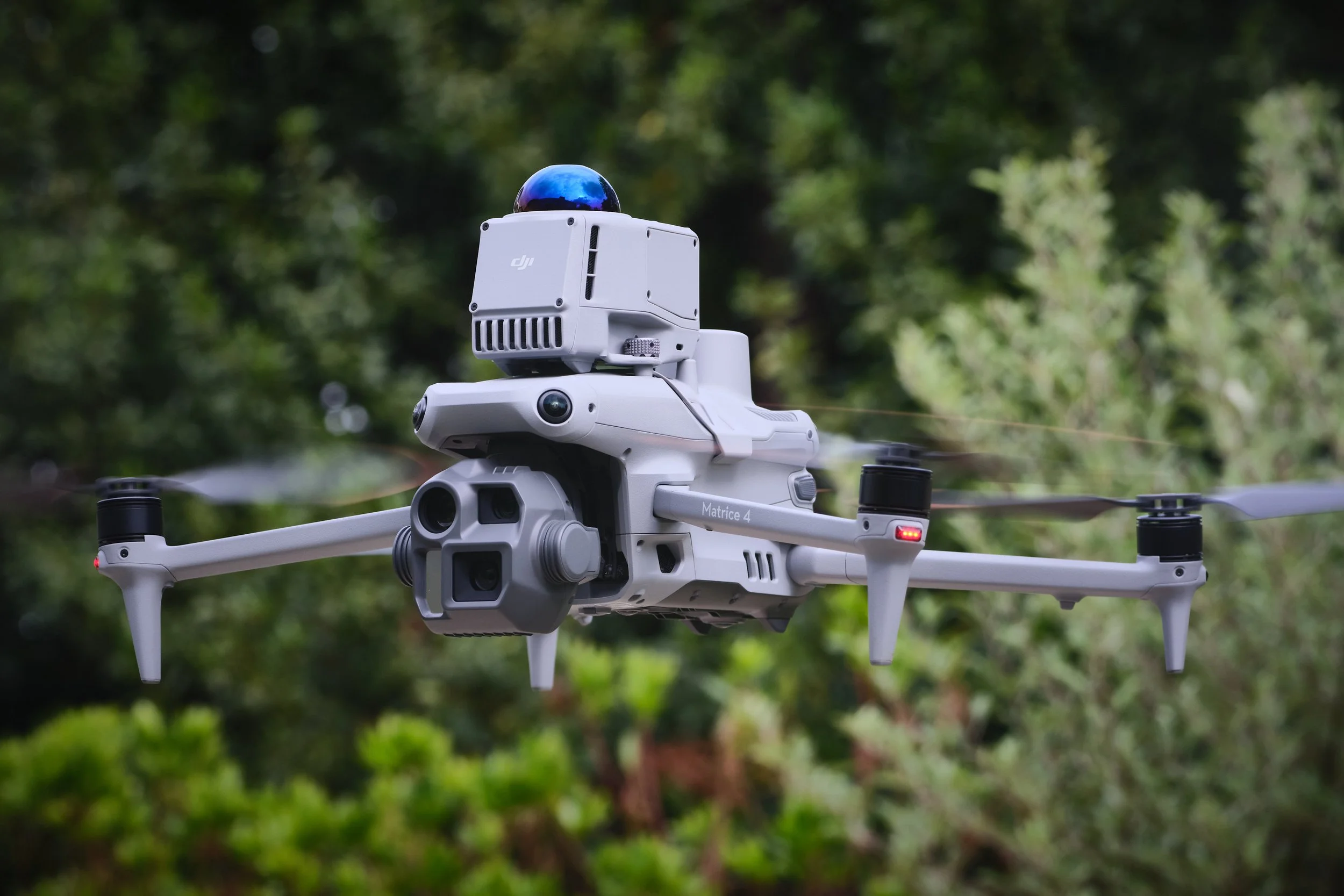
Aerial 3D capture
We use enterprise drones with advanced autonomous and semi-autonomous mapping modes that create detailed and dense 3D Gaussian Splat models. Pre and on site flight planning tools allow us to work safely and efficiently around structures up close and over wider areas, from single buildings to whole streets. Combine with ground capture for internal and under-canopy coverage.
-
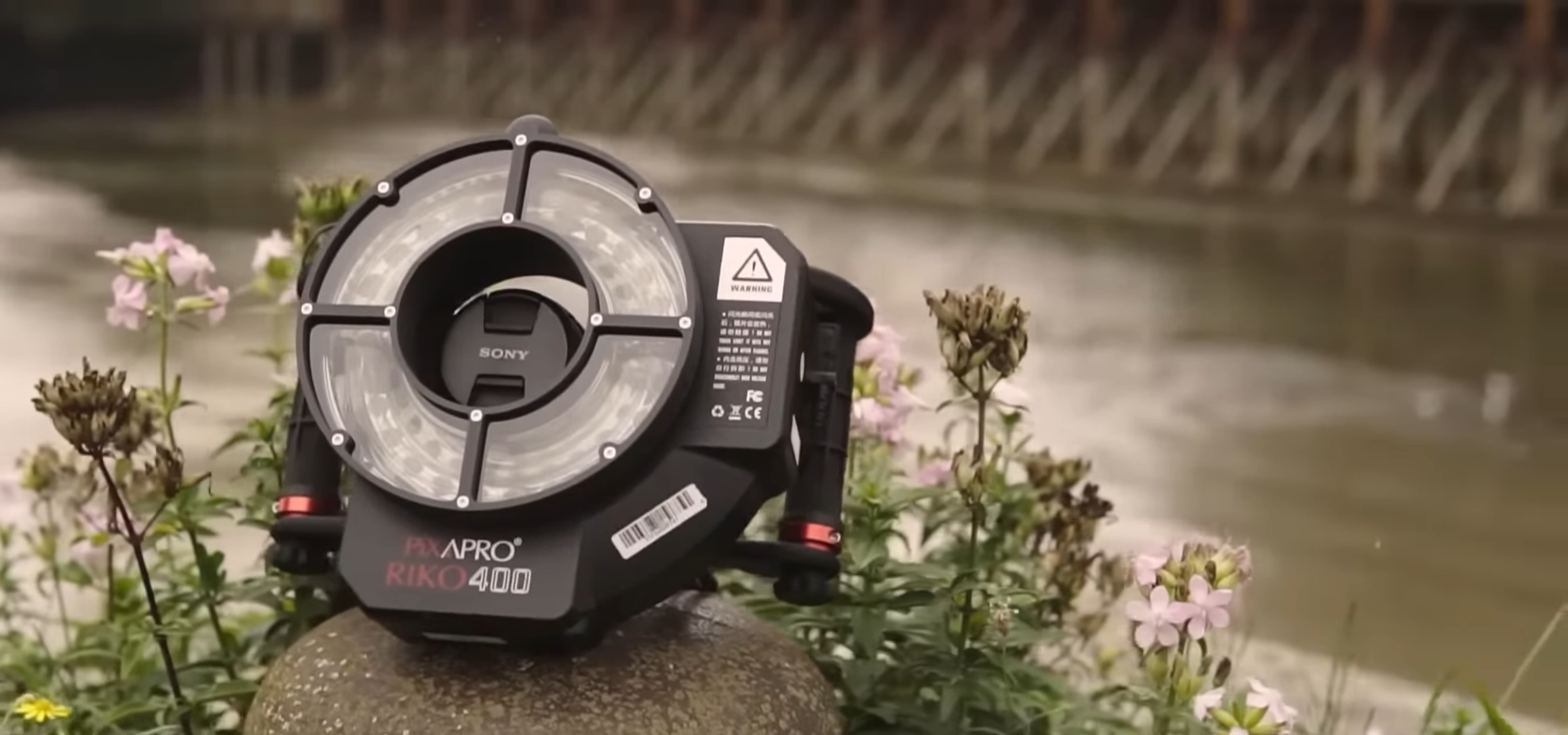
Ground 3D capture
For ultra high resolution detail, objects, interiors and areas a drone cannot reach, we capture images on medium-format cameras and other systems. RAW file capture keeps colour accurate and allows for the best quality. From turntable setups for smaller objects, to specialised rigs to capture on site features and larger areas. Combine with aerial datasets for complete coverage.
Where Gaussian Splatting excels
-

Context and setting
Capture how a site sits in its environment. For public engagement, recording significant sites and structures, and showing estates or complex designs
-

Marketing and engagement
Because 3DGS is photo-realistic, models can replace or supplement still images and drone video for marketing and presentations
-

Faster reviews
Viewers can walk around anywhere in the model and view from the exact angle they care about, which speeds up decisions.
-

Training and safety
Mark detailed hazards, routes, or procedures directly inside the model so people learn in the real context.